CSS Selectors 101: Targeting Elements with Precision
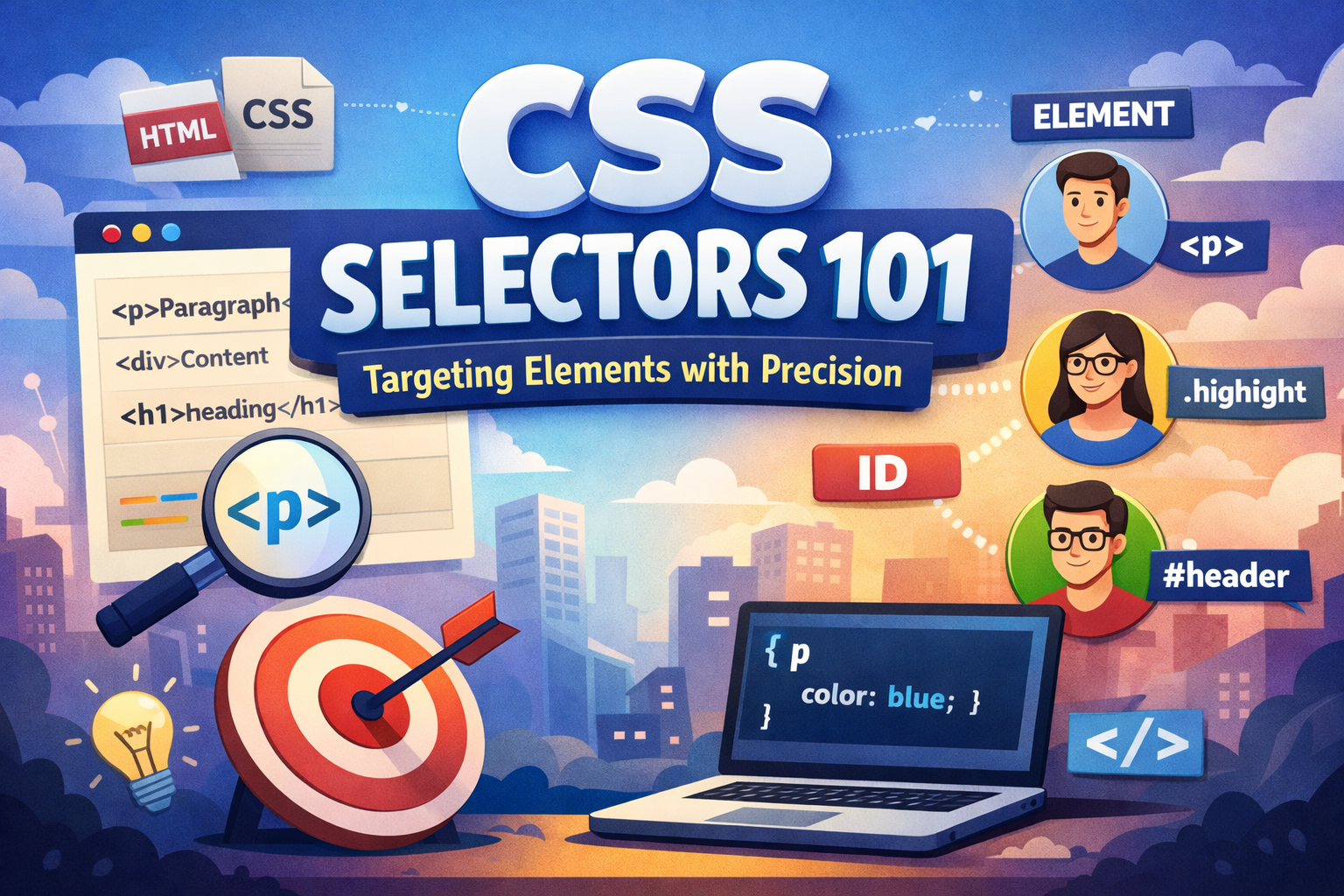
When you write CSS, you don’ want to give styling to random elements. instead you want to choose specific HTML elements and tell the browsers how they should look. That’s why we need CSS selectors are for.
Why CSS Selectors Are Needed
HTML creates the structure of a page. CSS controls the appearance or design.
The problem is there may be hundreds of elements in a webpage like divs, links, images, buttons, paragraphs, etc. how does CSS know which element to style?
That’s we need CSS selectors . It helps us in :
Find elements in HTML
Apply styles only where needed
Avoid changing everything by mistake
Without selectors, we couldn’t apply styles to specific or group of elements, CSS would be useless.
CSS Selectors as a Real-World Analogy 🏠
Imagine you want to call someone in a city:
Element selector → “Call everyone named Rahul”
Class selector → “Call all engineers”
ID selector → “Call Rahul Sharma who lives at this exact address”
Same idea in CSS:
Some selectors are broad
Some are more specific
Some target one unique element
Element Selector
The element selector targets all elements of a given type.
Example
p {
  color: blue;
}
This means to select every <p> tag to become blue.
Use element selectors when you want a general rule like you want to select a certain type of element like all paragraph’s , headings (h1, h2) etc.
Class Selector
A class selector targets elements with a specific class name. Class selectors start with a dot (.).
Example
.highlight {
  background-color: yellow;
}
This will select all the highlighted class and give a yellow background.
Why classes are powerful
Can be reused multiple times
Can be applied to different elements
Most commonly used selector in real projects
ID Selector
An ID selector targets one unique element. ID selectors start with a hash (#).
Example
#main-title {
  font-size: 32px;
}
This will select all the main-title ID and give a font size of 32px.
Important rules
IDs must be unique
More specific than class and element selectors
Group Selectors
Sometimes, you want to apply the same style to multiple elements. That’s where group selectors help.
Example
h1, h2, h3 {
  color: darkred;
}
What this means
All headings get the same color
Less repetition
Cleaner CSS
Saves time
Descendant Selectors
A descendant selector targets elements inside other elements.
Example
div p {
  color: green;
}
This helps us to give styling only paragraph inside the div tags, not all the p tags.
Explanation
- Only
<p>tags inside a<div>are affected
Basic Selector Priority
When multiple selectors target the same element, CSS follows a simple priority:
Selector Strength (Low → High)
Element selector
Class selector
ID selector
Example
p {
  color: blue;
}
.text {
  color: red;
}
#special {
  color: green;
}
More specific selector = higher priority.
Before & After Styling Example
Before CSS
<p>Simple paragraph</p>
Looks plain
After CSS
p {
  color: purple;
  font-size: 18px;
}
Now it will look styled and better
Selectors are what make this possible.
Selector Targeting Flow
Flow:
Browser reads HTML
CSS looks for matching selectors
Styles are applied to matched elements
Class vs ID: When to Use What?
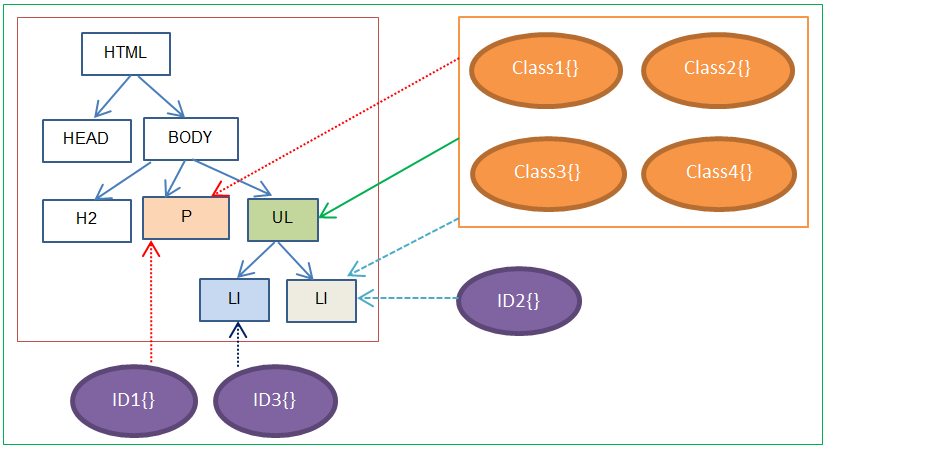
Use Class when:
Style is reusable
Multiple elements need same styling
Use ID when:
Element is unique
You want high specificity
Why Selectors Are the Foundation of CSS
Everything in CSS depends on selectors:
Layout
Colors
Animations
Responsive design
Advanced effects


