How Git Functions Behind the Scenes
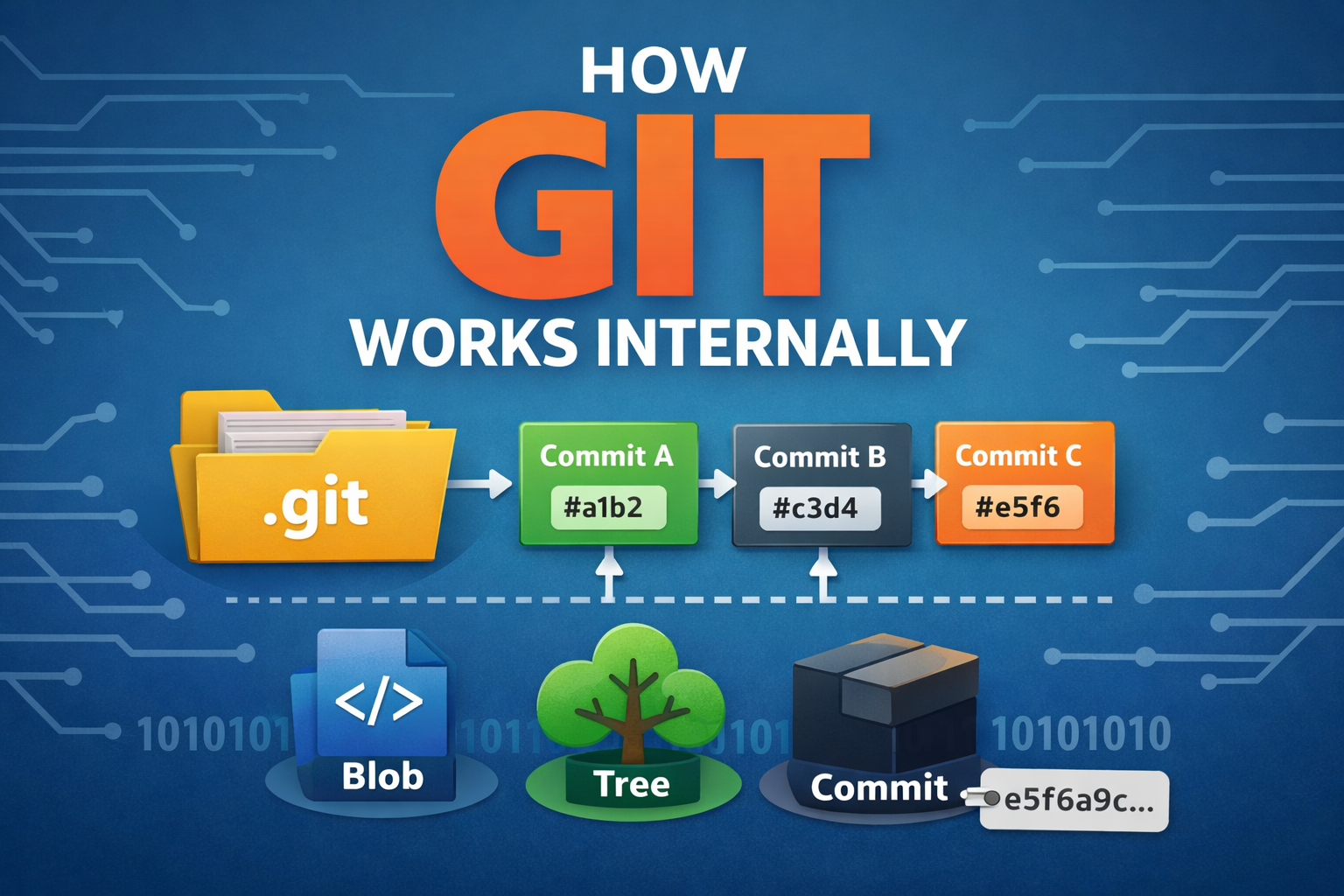
Before starting if you are not aware of what is Git , please refer to this article for better understanding Git For Beginners
In this blog , we are going to understand the behind the scenes of git like what is .git folder and the folder structure and most importantly how it keep track of our code.
Overview of How Git Works Internally
After we initialize git in our local folder, it will make a .git folder which we users will not be able to see. Now Git will save snapshots of your code at each commit you do. For now understand snapshots as git takes a photo of your code and keep it, and it gives a hash (hash or commit id is just a unique id for identification), to differentiate it , so that we can came back at that point anytime .
Understanding the .git Folder
This .git folder is like Git’s brain. This folder, stores all past and latest versions of your files, such as who made changes, commit history, etc. It is hidden by default, although it can be accessed by a command (like ls -a) . But it is recommended that it should not be manipulate or touched because changing contents will lead to corrupt of files or loss of history and tracking. That’s why it is hidden.
Structure of the .git directory
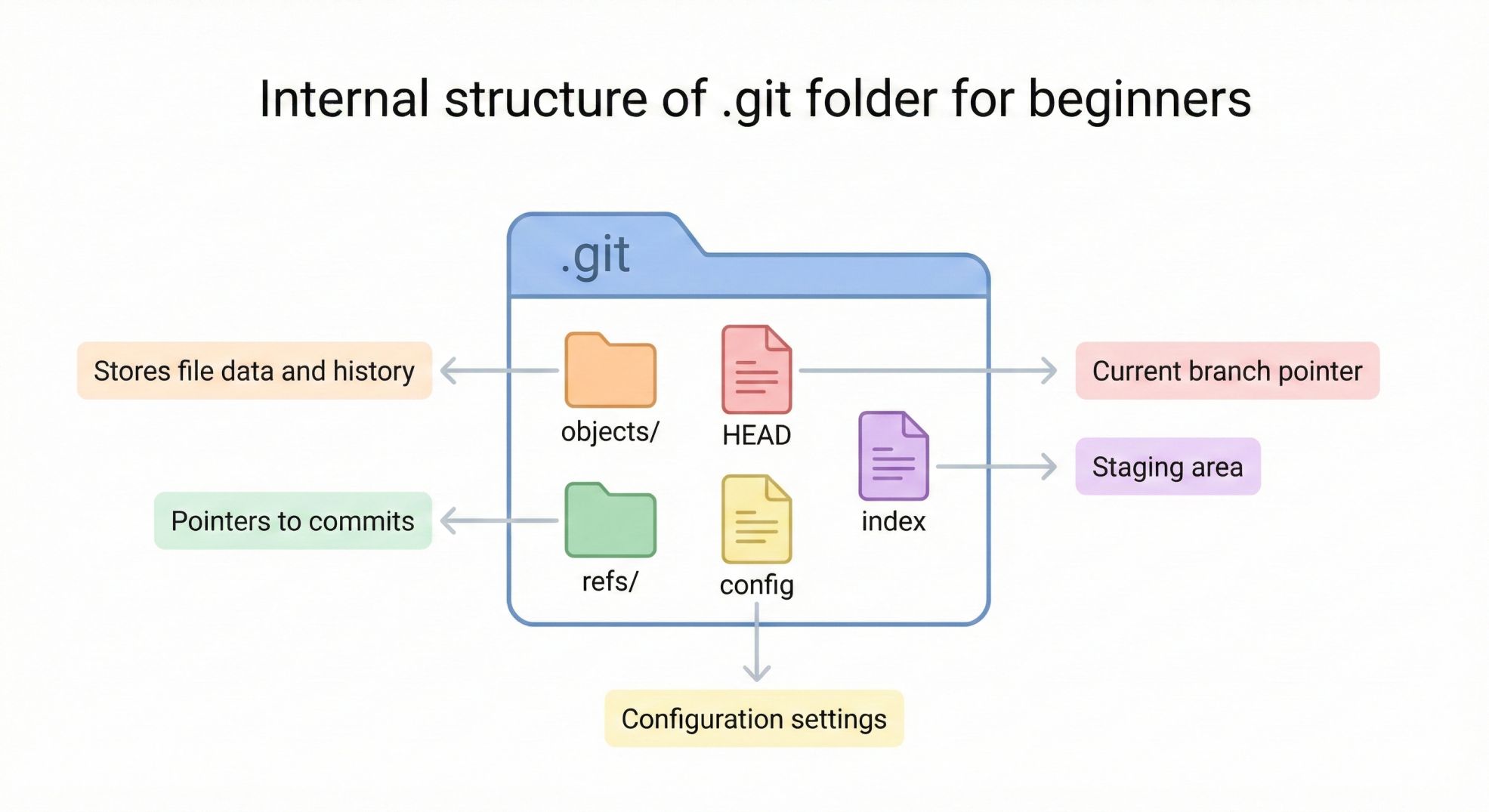
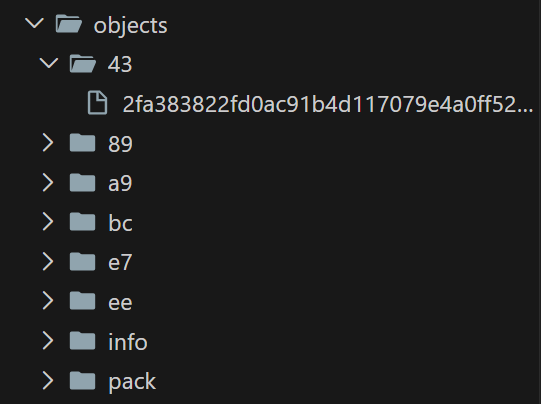
Objects Folder - It have the actual codes and history. Each time you do a commit , git saves it , as a snapshot in this folder , and an interesting thing is git actually takes the first two letters of particular commit id and saves it as the folders’ name.
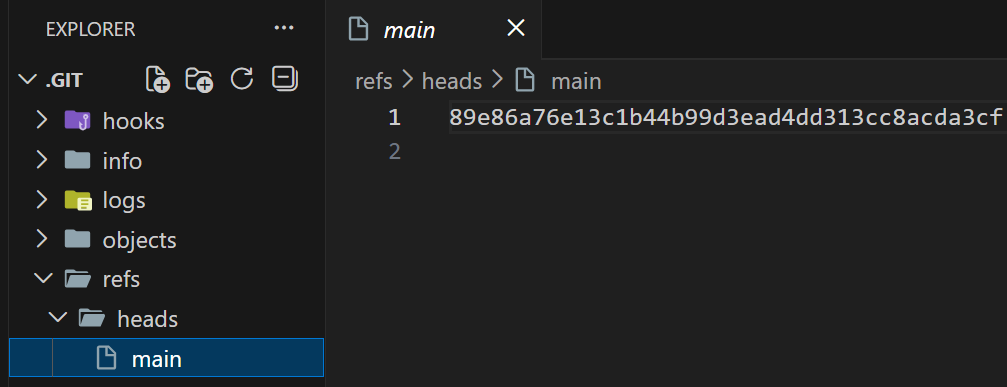
Ref Folder - It stores inside the latest commit inside of heads folder.
- Head - It tells you that currently in which branch you are on.
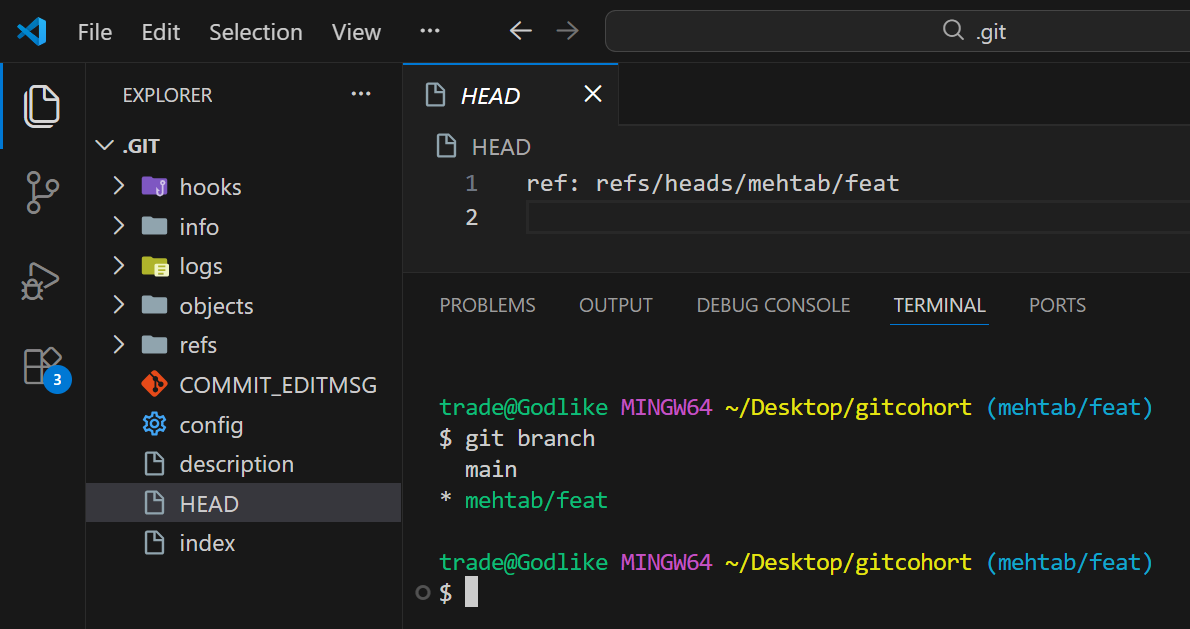
Index - It acts as Staging area, means you’ve added but not yet committed and it stores in binary format
Config - This contains settings and configuration information for your repo and git
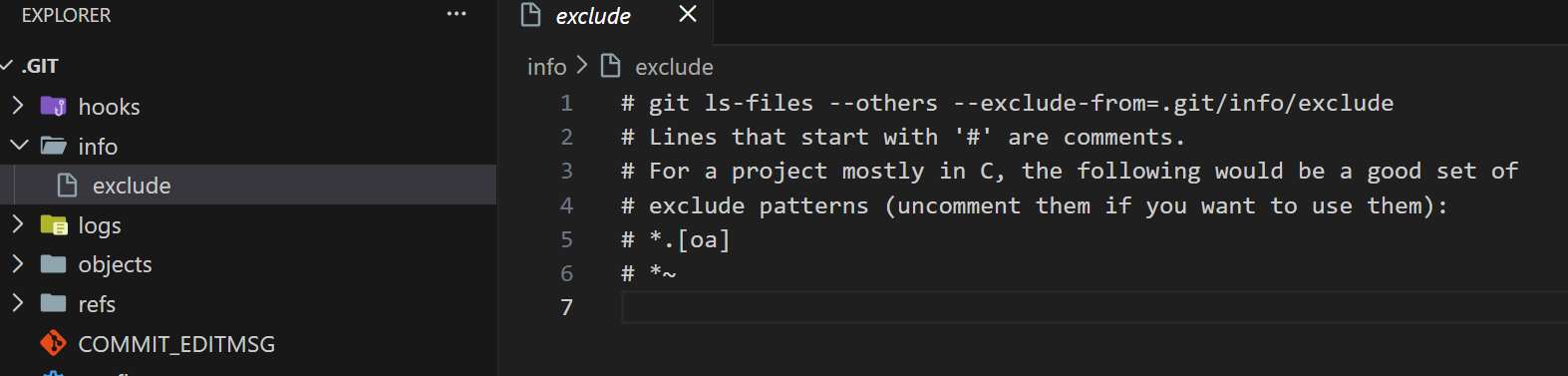
Logs - It stores history and logs of the branches.
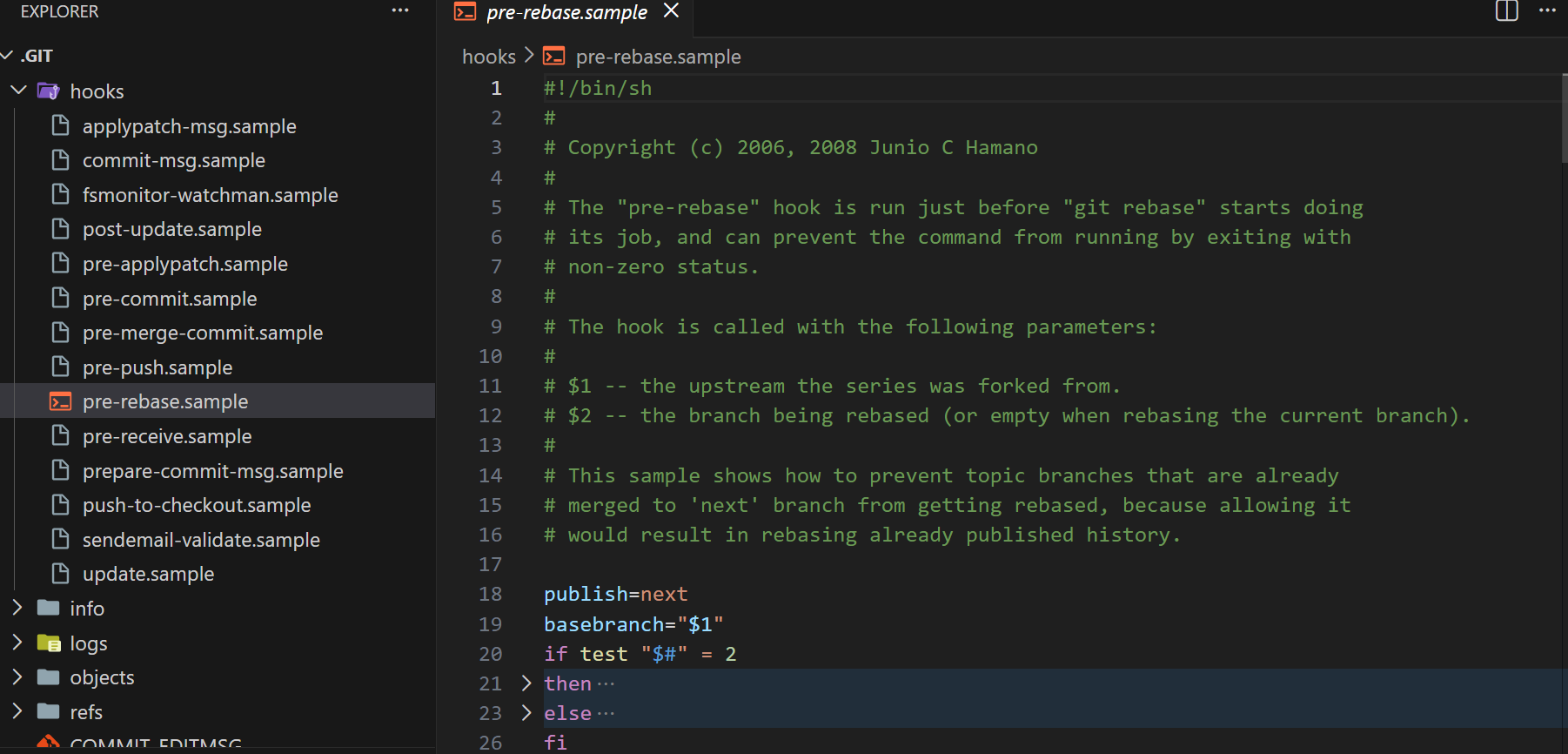
Hooks - Scripts that run before or after Git actions , commands or operations that needs to be run automatically like run tests or merging or pushing files etc .
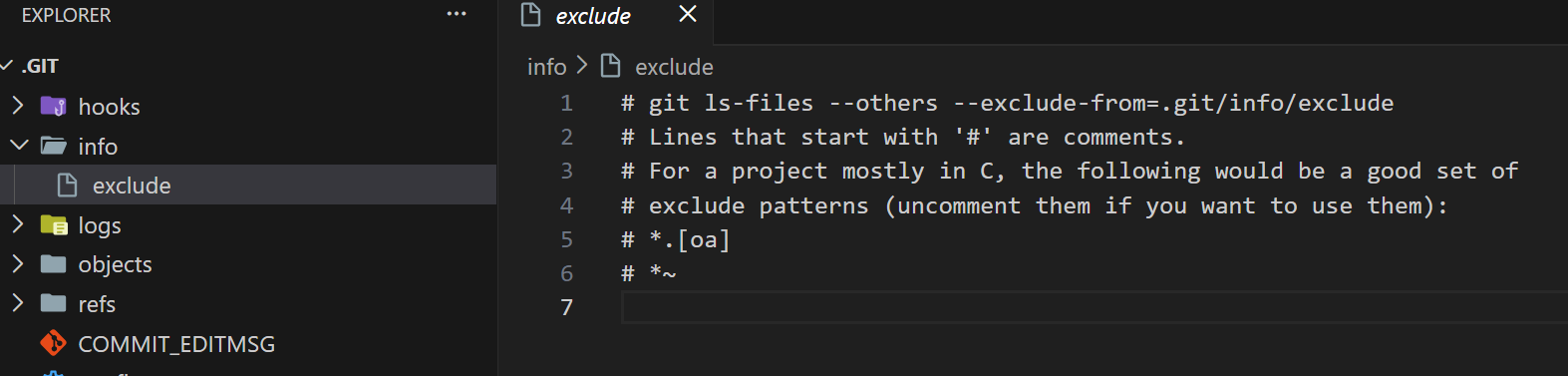
- Info - It stores the local information for the repo , and also have the excluded or ignored files only for this folder
- Description - This file contains a short description of the repository .
Git Objects : Blob, Tree and Commit
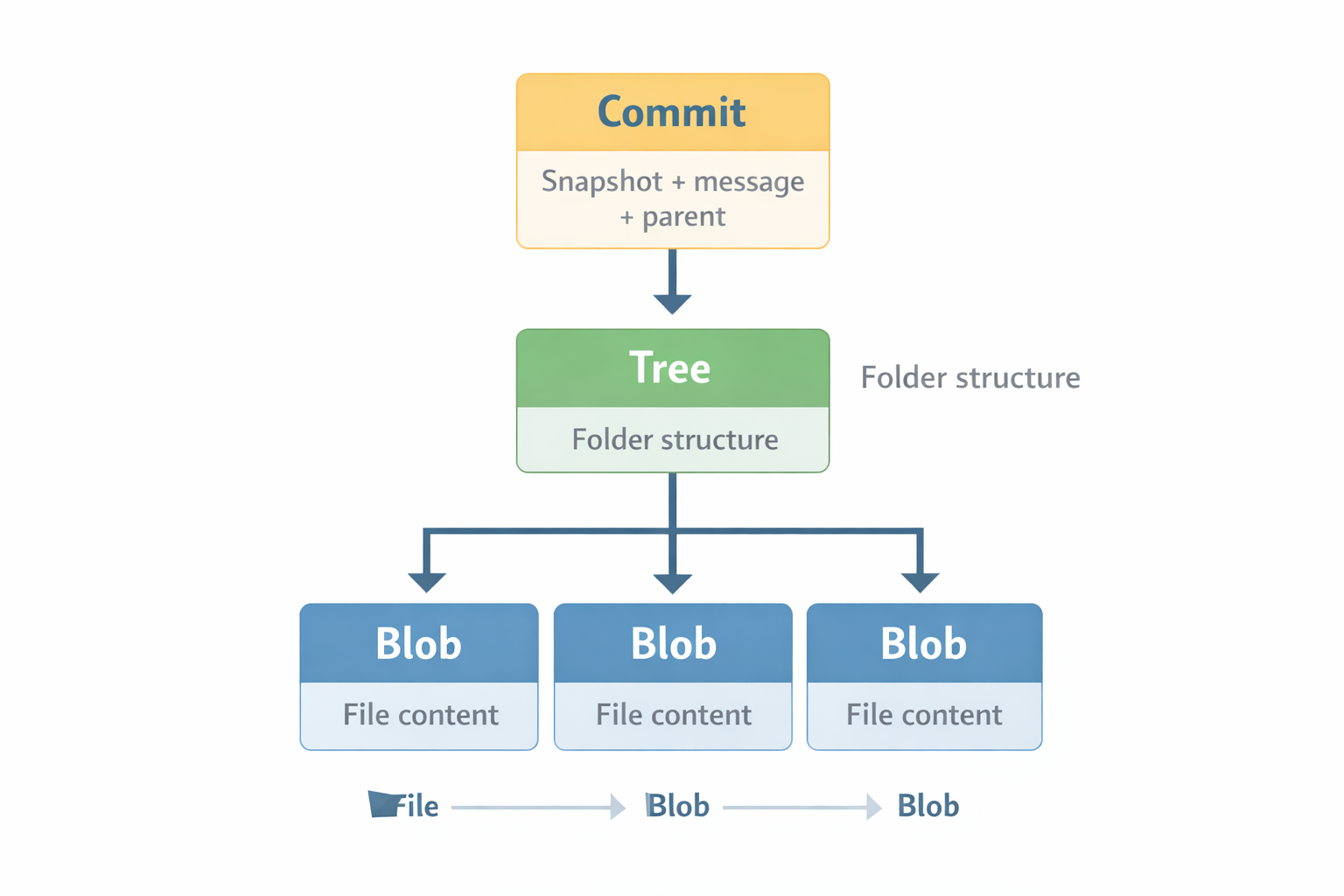
Blob — Blob is an objects which stores contents of actual file in binary format and compressed.
Tree —The tree object represents directory structure in Git in that point of time.
Commit — it captures a snapshot of the entire project at specific point. It have the information about who made the changes and when.
How Git Tracks Changes
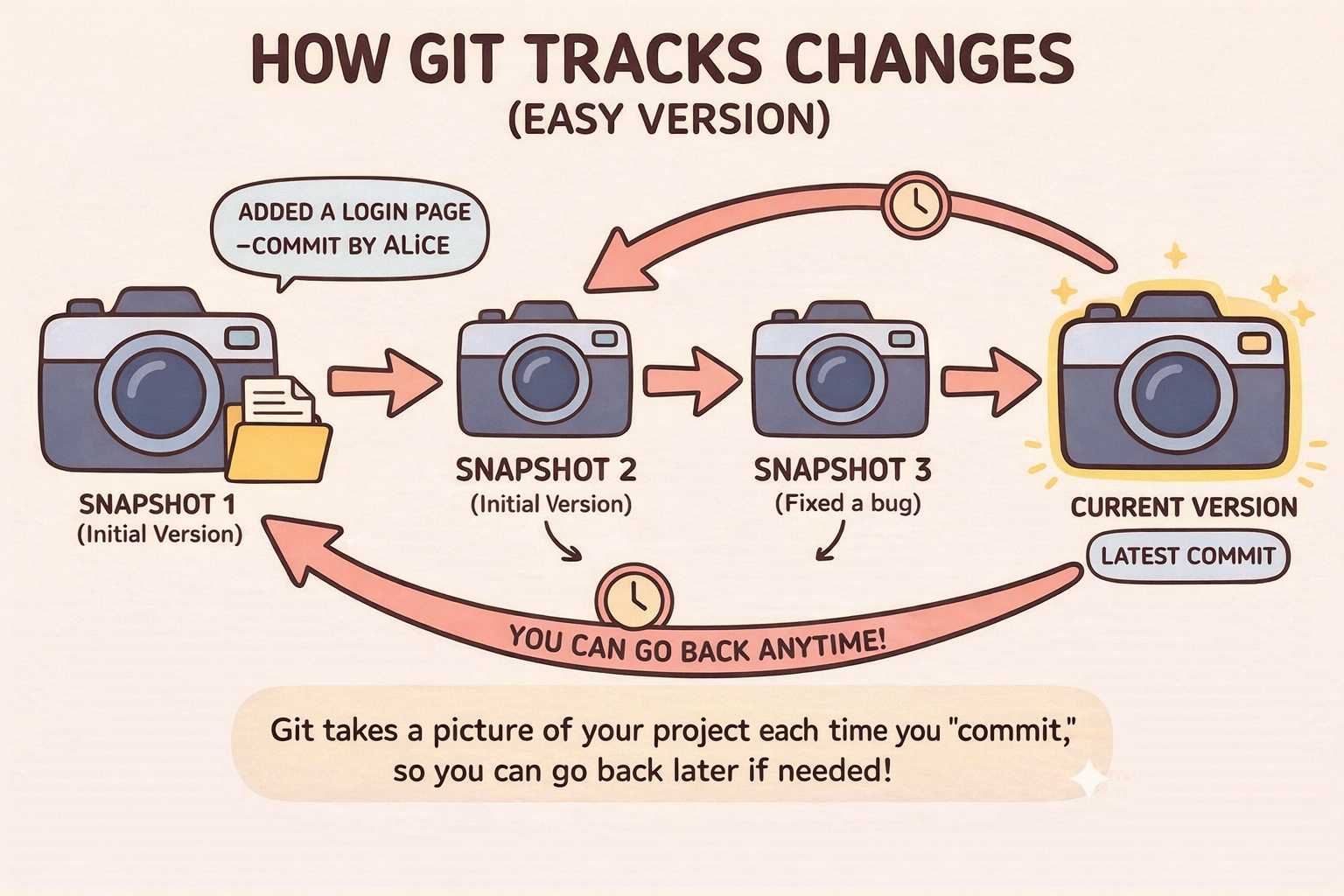
Git does not remember files like humans do (by file name or location), rather it remembers what’s inside the file. Let understand how git track changes on a surface level, so git works on the principle of Linked List (for now understand it as object which saves current and previous node) , means it have the hash or commit id of previous and current one along with other details like author or changes etc. Now at each commit, git changes the commit id to the latest one in the main file inside ref folder and previous commit are saved in objects folder. Since git is saving all the commit id’s we can go back anytime .
To know basics of Version Control refer to https://medium.com/@mehtabhussain76038/version-control-d6c7b9fbcab8
To know Git refer to https://medium.com/@mehtabhussain76038/git-for-beginners-8de52bd44892


