Understanding Destructuring in JavaScript for Beginners
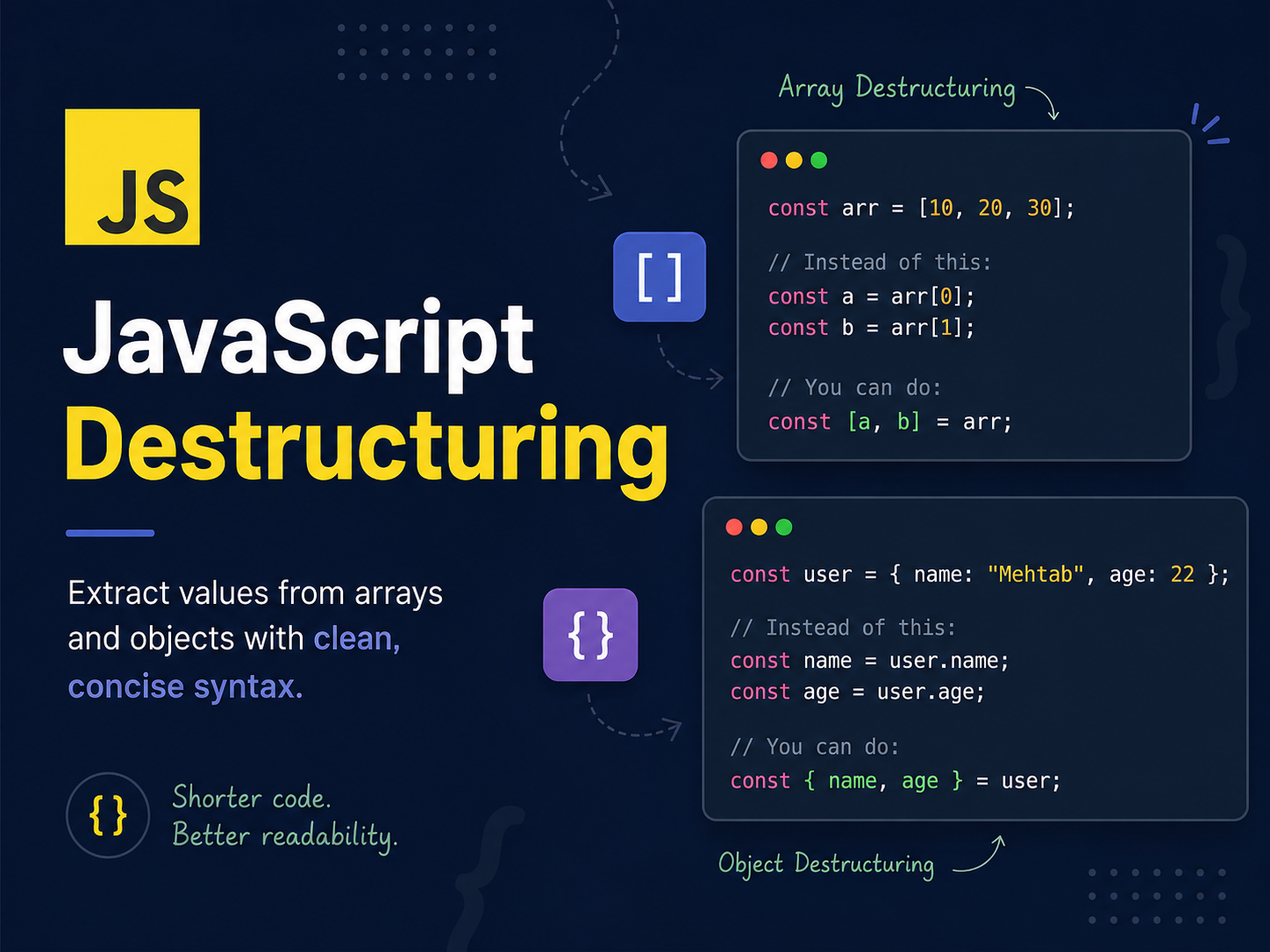
You may have heard about destructuring in JavaScript . In this blog, we are going to explore about JavaScript desctructuring .
It will be a short blog, because the topic is simple so there's no advantage for expanding the topic.
What is destructuring
Destructuring in JavaScript is an expression introduced in ES6 version . It is a way to extract values from arrays or objects and assign them to variables in a clean, short syntax. This syntax provides a concise way to extract data without modifying the original source, which makes code more readable .
Let’s see how to use destructing in different structures.
Array Destructuring
const arr = [10, 20, 30];

// Instead of this:

const a = arr[0]; // 10
const b = arr[1]; // 20

// You can do:

const [a, b] = arr;

console.log(a); // 10
console.log(b); // 20
Object Destructuring
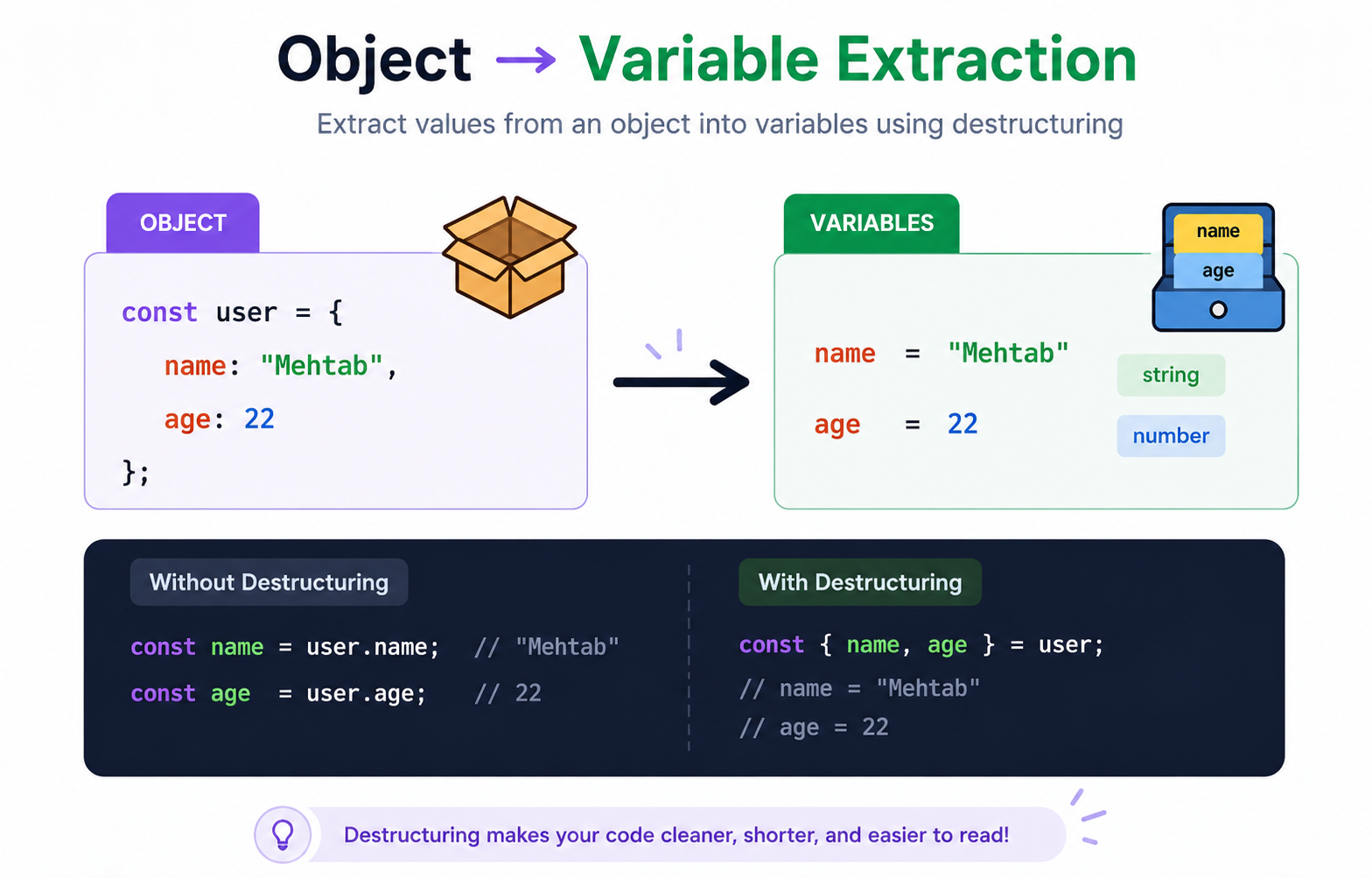
const user = {
  name: "Mehtab",
  age: 22
};

// Instead of this:

const name = user.name; // Mehtab
const age = user.age;   // 22

// You can do:

const { name, age } = user;

console.log(name); // Mehtab
console.log(age);  // 22
Rename Variables
Suppose you want to extract a parameter from the object, but the data name already exists in global, then you can actually name the data to use , like shown in example below
const user = { name: "Mehtab" };

const { name: userName } = user;
console.log(userName); // Mehtab
Default Values
We can’t always be sure that the data we are extracting will always be present, because if it is not then it may throw error which will crash our application. We can actually give default values to the extracting value for in case there’s no such parameter .
const user = { name: "Mehtab" };
const { age = 18 } = user;

console.log(age); // 18
Benefits of destructuring
- Cleaner & Shorter Code
Destructuring removes repetitive code.
// Without destructuring
const name = user.name;
const age = user.age;

// With destructuring
const { name, age } = user;
- Improves Readability
You can immediately see what data you’re using.
const { name, email } = user;
// Anyone reading your code knows exactly which properties matter.
- Easy Access to Multiple Values
Extract multiple values in one line.
const [a, b, c] = [1, 2, 3];
// No need for multiple lines.
- Works Great with Functions
Very useful when handling function parameters.
function greet({ name }) {
  console.log("Hello " + name);
}
// Clean and avoids repeated obj.name
- Default Values Support
Avoid undefined errors easily.
const { age = 18 } = user;
// Provides fallback values automatically.
- Rename Variables Easily
Avoid naming conflicts.
const { name: userName } = user;
//  Useful in larger applications.
Simple Takeaway
Destructuring makes your code shorter, clearer, and easier to work with—especially when dealing with objects and arrays.
Destructuring is one of those JavaScript features that looks small but makes a huge difference in writing cleaner and more readable code. Whether you’re working with arrays, objects, APIs, or function parameters, destructuring helps reduce repetitive code and makes your logic easier to understand.
If you're learning modern JavaScript, this is definitely a feature you should get comfortable with early.
Start using destructuring in your daily code, and after a while, writing code without it will feel repetitive.
Thanks for reading 🚀


