Understanding Objects in JavaScript
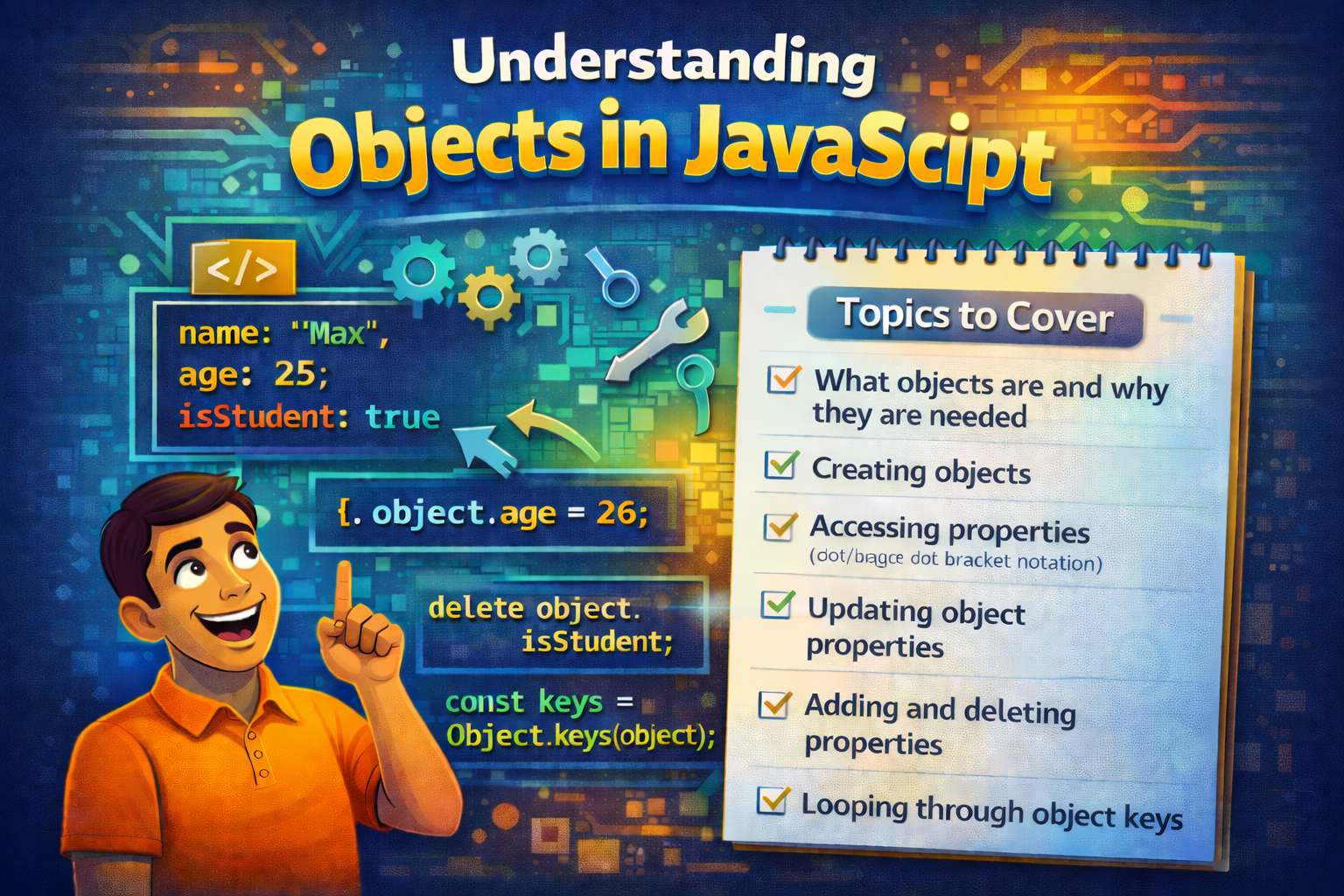
In this blog, we are going to understand objects and some operations on objects, let' begin
What are object & why they are needed
Objects are the data structures (means format of keeping data ) that store multiple values together, each with a key-value pairs. Key (also called property name) is the string or symbol and Values can be any data types like objects, functions, string etc. This helps developers to group related data into a single structure.
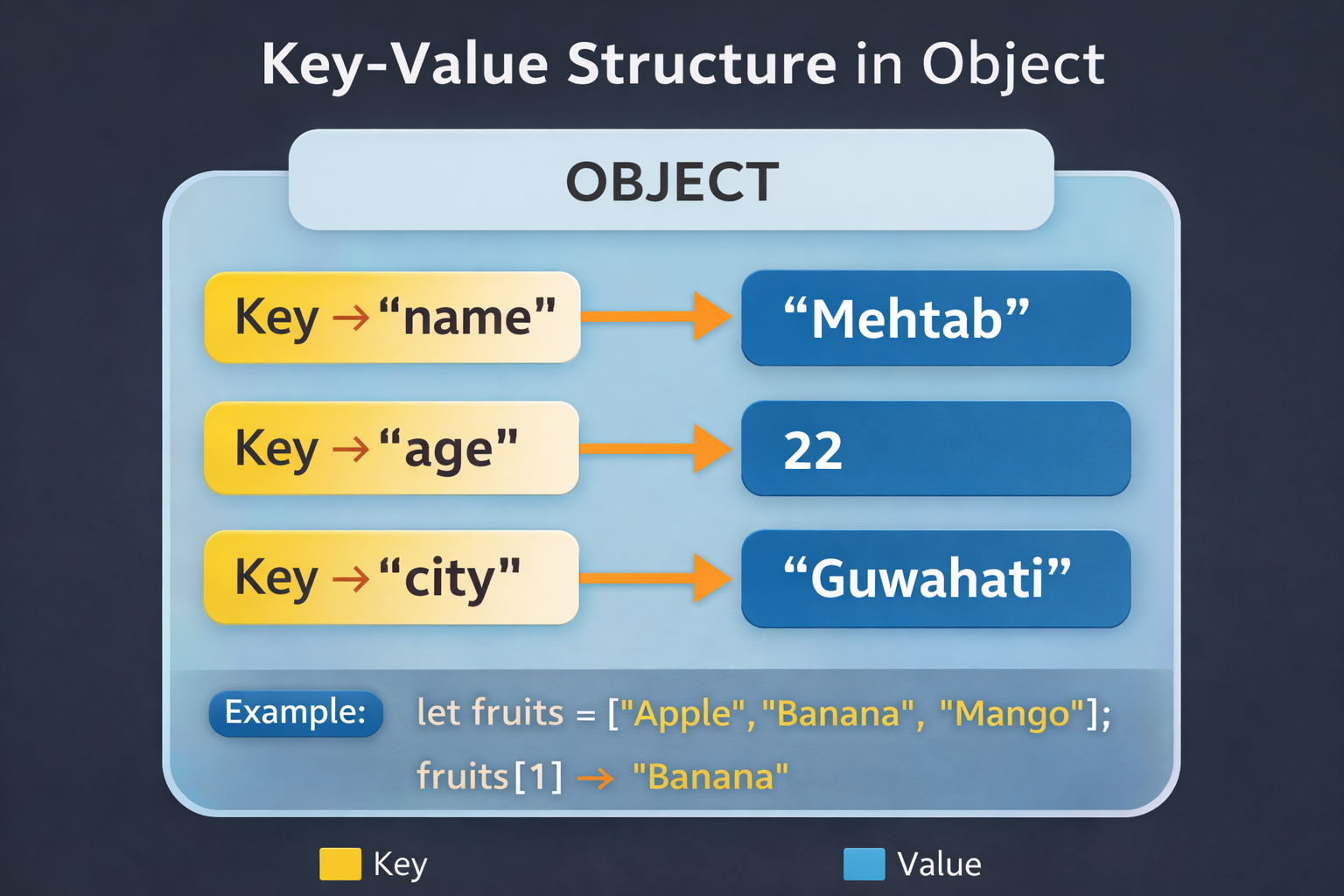
const Person = {
    name:’mehtab’,
    age:22,
    haveGirlfriend : false,

    greet (){
        console.log(`Hello, ${name} how are you`)
    }
}
So why do we need object, let's see some points :-
Data organization: Objects allow you to bundle related data (like a person’s name, age etc. ) into a single structure, making code more readable and maintainable.
Method grouping: Functions (called methods ) can be attached to objects, allowing actions to be associated with specific data (e.g., a greet() method on a person object).
Flexibility : Easy to access data and modify or add data to it .
Keeps code clean : Objects make the code clean and easier to manage.
//  Without objects
let name = "Mehtab";
let age = 22;
let city = "Guwahati";


// With objects:

let person = {
  name: "Mehtab",
  age: 22,
  city: "Guwahati"
};
Comparison : Array vs Object
While both Arrays and Objects are used to store data in JavaScript, they serve entirely different structural purposes.
An Array is a linear, ordered collection of values where the position (the index) is the most important factor. You use an array when you have a list of similar items—like a list of usernames or a sequence of temperatures.
let marks = [34,54,67,12,2]
let studentNames = [‘mehtab’, ‘riya’, ‘rakesh’, ‘subhojit’]
An Object is an unordered collection of key-value pairs designed to describe a single entity in detail. Instead of using a number to find a value, you use a meaningful label (a string key). Objects used key-values pairs to store data. This makes objects ideal for representing complex data structures, such as a "User" profile containing a name, email, and age.
let person = {
  name: "Mehtab",
  age: 22,
  city: "Guwahati"
};
Creating Objects
Object literal
This is the easiest and most used way.
let person = {
    name: "Mehtab",
    age: 22,
    city: "Guwahati"
};
Object constructor
But developers usually avoid this because object literal is simpler. So it creates a new object using new keyword, new keyword behind the scenes create a new instance of object and etc.
let person = new Object();

person.name = "Mehtab";
person.age = 22;
person.city = "Guwahati";
Object.create()
This method creates an object using another object as a prototype.
let person = {
  greet() {
    console.log("Hello");
  }
};

let user = Object.create(person);
user.name = "Mehtab";
Using ES6 Class
Modern JavaScript uses classes to create objects.
class Person {
    constructor(name, age) {
    this.name = name;
    this.age = age;
    }
}

let user = new Person("Mehtab", 22);
Using Constructor Function
Used when you want to create many objects with the same structure.
function Person(name, age) {
    this.name = name;
  this.age = age;
}

let user1 = new Person("Mehtab", 22);
let user2 = new Person("Rahul", 25);
Accessing properties
There is two way’s to retrieve properties from objects .
Dot Notation
Dot notation uses a dot (.) to access a property.
let person = {
  name: "Mehtab",
  age: 22
};

console.log(person.name);
console.log(person.age);
Bracket Notation
Bracket notation uses square brackets [ ].
let person = {
  name: "Mehtab",
  age: 22
};

console.log(person["name"]);
console.log(person["age"]);

// Here the property name is written inside quotes.
But if the key is the string value stored in variable or have spaces then Dot notation will not work.
let person = {
  'full name': "Mehtab",
  age: 22
};

// if stored in variable then
let key = "name";

console.log(person[key]); // works
console.log(person.key); // undefined


// if name key has spaces
console.log(person['full name']); // works
console.log(person.name); // undefined
Updating object properties
Updating object properties is same as we retrieved the values from object using dot and bracket notation.
Dot Notation
This is the most common and readable way to update a property. You use it when you know the name of the property beforehand.
const user = { name: "Alex", age: 25 };
user.age = 26; // Updates the age property
Bracket Notation
Use this when the property name is dynamic (stored in a variable) or contains special characters (like spaces or hyphens) that dot notation can't handle.
const user = { name: "Alex" };

const key = "name";

user[key] = "Sam"; // Updates 'name' to 'Sam'

user["favorite-color"] = "Blue"; // Handles hyphens
Use Bracket Notation if the key:
Is stored in a variable.
Contains spaces.
Contains hyphens or special characters.
Starts with or is a number.
Is the result of an expression (e.g., user["first" + "Name"]).
Otherwise, stick to Dot Notation—it's the industry standard for readability.
Adding properties
In JavaScript, objects are dynamic. You don’t need to "define" a property in the original object to add it later. You simply assign a value to a key that doesn't exist yet.
Using Dot or Bracket Notation
If the property doesn't exist, JavaScript creates it on the fly.
const hero = { name: "Batman" };

// Adding via Dot Notation

hero.city = "Gotham";


// Adding via Bracket Notation (useful for variables)

const gearKey = "weapon";

hero[gearKey] = "Batarang";

console.log(hero);
// Output: { name: "Batman", city: "Gotham", weapon: "Batarang" }
Deleting Properties
To remove a property entirely (not just set it to null or undefined), you use the delete operator.
The delete Keyword
The delete operator removes the property and its value from the object. After deletion, the property is gone.
const laptop = { brand: "Apple", ram: "16GB", color: "Silver" };

delete laptop.color; // Using dot notation

delete laptop["ram"]; // Using bracket notation

console.log(laptop);

// Output: { brand: "Apple" }
Loops in Object
for...in Loop
This is the classic way to iterate over all enumerable keys of an object.
const laptop = { brand: "Dell", ram: "16GB", cpu: "i7" };

for (let key in laptop) {
    console.log(key);           // "brand", "ram", "cpu"
    console.log(laptop[key]);    // "Dell", "16GB", "i7"
}
Object.keys()
This is the most popular modern method. It returns an array of the object's own keys. Since it's an array, you can use .forEach() or any other array method.
const user = { name: "Sarah", role: "Admin" };

Object.keys(user).forEach(key => {
    console.logKey: \({key}, Value: \){user[key]});
});
Object.entries()
If you need both the key and the value at the same time, this is the most elegant choice. It returns an array of arrays, where each sub-array is [key, value].
const scores = { math: 90, english: 85 };

for (const [subject, score] of Object.entries(scores)) {
    console.logI got a \({score} in \){subject});
}
// Output: "I got a 90 in math", "I got a 85 in english"
Object.values()
Sometimes you don't actually care about the keys; you just want the data. This method skips the keys and gives you an array of just the values.
const prices = { apple: 1.5, orange: 2.0, banana: 0.5 };

const total = Object.values(prices).reduce((acc, curr) => acc + curr, 0);

console.log(total); // 4.0
A Quick Tip on "Own Properties"
If you use for...in, it's a good habit to use hasOwnProperty() to make sure you aren't accidentally grabbing weird inherited properties from the object's "parents". Sometimes what happen is we need a property which we can't find in prototypes, so we add them with the help of prototypes and if you want to loop only in the original pairs then you should use hasOwnProperty()
for (let key in obj) {
    if (obj.hasOwnProperty(key)) {
        // Only runs for keys actually defined on 'obj'
    }
}
Conclusion
We understand that objects are the data structures that stores multiple values in a key-value pairs. Key are the property name and Values can be any data types. This helps developers to group related data into a single structure. And we have seen how to add, delete or read the values inside objects.


